








Kayo Magalhães / Câmara dos Deputados Deputada Bia Kicis, que presidiu a sessão solene O

Bruno Spada / Câmara dos Deputados Deputado Zé Silva e ministro Elias Rosa participam do

Thiago Cristino/Câmara dos Deputados Deputados na sessão do Plenário desta quarta-feira Deputados da base do

Kayo Magalhães / Câmara dos Deputados Renata Abreu, autora da proposta O Projeto de Lei

A programação de desenvolvimento econômico e empresarial no município também contempla outras três iniciativas: uma reunião

As Prefeituras de Barra do Turvo, Cajati, Iguape, Juquiá e Miracatu marcaram presença no evento
Plataforma criada por dois advogados reúne estratégia, produção de conteúdo, anúncios e roteiro comercial. O foco são escritórios de 1 a 5 pessoas que dependem de indicação. Brasília – A Lexoura, empresa brasileira de inteligência artificial para a advocacia, lançou o Lexoura Viral. A plataforma cuida da presença digital e da captação de clientes de advogados autônomos e escritórios pequenos. O advogado define o objetivo e aprova as entregas, e a produção fica com um time de agentes de IA. O público é o advogado que sabe advogar, mas não sabe aparecer. “Ele já entendeu que precisa estar na internet, já tentou postar e parou por falta de tempo, de assunto ou por medo de errar com a OAB”, diz Roberto Cidade Westphalen, cofundador da Lexoura. “Construímos uma ferramenta que faz esse trabalho com ele, em vez de só dizer o que fazer.” Estratégia antes do post Antes do primeiro conteúdo, a plataforma define com o advogado o nicho de atuação, o perfil do cliente, a oferta de serviços, o preço e o posicionamento. Essas informações ficam guardadas na memória do escritório. Cada entrega sai com o nicho, o tom e a identidade visual daquele escritório, e não com um texto que serviria para qualquer advogado do país. No dia a dia, o advogado escreve um pedido em português comum, como “uma semana de conteúdo” ou “um carrossel sobre tarifa bancária”. Na tela, ele acompanha os agentes passando o trabalho de um para o outro: um pesquisa o que está em alta no nicho, outro escreve, outro revisa. Nos pontos de decisão, o advogado aprova ou pede ajuste. Anúncios na conta do próprio advogado A Lexoura também monta campanhas de tráfego pago direto na conta de anúncios do escritório. Toda campanha nasce pausada, passa por uma prévia obrigatória e respeita um teto de verba definido pelo advogado. Um agente revisor tem poder de veto sobre peças e campanhas que contrariem as regras de publicidade da OAB. Quando um potencial cliente faz contato, a plataforma entrega o roteiro da primeira conversa, a sequência de retorno e a qualificação do caso. Se o caso fecha, os fatos colhidos na conversa seguem para o Lexoura Unlimited, o segundo produto da empresa, que redige petições, analisa processos e revisa contratos. “O método que a gente ensina é o mesmo que o software executa: fundação, autoridade, alcance, conversa e caso”, afirma Mateus Leandro, cofundador e responsável pela tecnologia da Lexoura. “Não prometemos resultado. Prometemos execução que o advogado vê acontecer.” Planos Os planos vão de R$ 149,90 por mês (Viral Start, um usuário) a R$ 1.299,90 por mês (Ultimate, 20 usuários). O Viral Pro, que inclui tráfego pago e roteiro comercial, custa R$ 229,90 por mês. __ Site: lexoura.com.brInstagram: @lexoura.iaInstagram de Roberto Cidade Westphalen: @rgcidadeInstagram de Mateus Leandro: @mateusleandroadv

Empresas investem em sistemas de gestão para integrar processos, reduzir tarefas manuais e aprimorar o controle das operações. Com mais de duas décadas

A respiração oral na infância pode apresentar sinais discretos, como lábios entreabertos em repouso. A observação precoce desses hábitos é importante para identificar possíveis alterações no desenvolvimento e na saúde da criança.

Caio Santomo defende o potencial do turismo brasileiro e prepara a Monte Carlo para um novo ciclo de crescimento, com foco em hospitalidade e expansão internacional.

8ª Semana Fellipelli debate os desafios do desenvolvimento humano na era da inteligência artificial e destaca o papel da neurociência, da inteligência emocional e do pensamento crítico nas organizações.

Ao longo de oito edições, a Semana Fellipelli de Neurociência e Inteligência Emocional acompanhou as transformações do mundo do trabalho, da liderança e da inteligência artificial, reforçando a importância das competências humanas diante do avanço tecnológico.
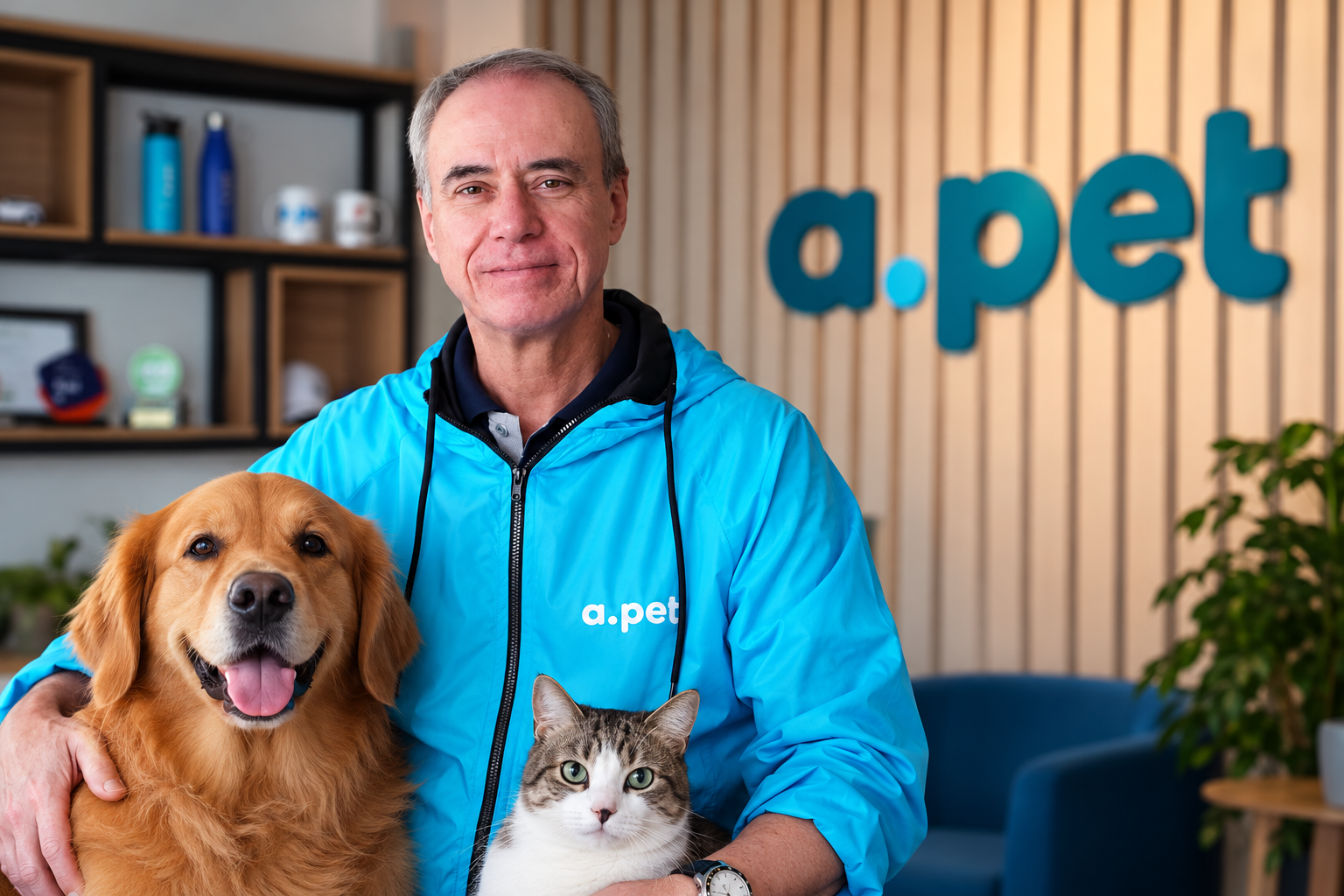
Luiz Gênova, CEO da APet, empresa que firmou parceria com o banco BV para ampliar o acesso a planos de saúde para cães e gatos em todo o Brasil.

Myrinha Vasconcellos destaca como a inteligência artificial e a hiperpersonalização preditiva podem transformar dados em experiências memoráveis, sem substituir a sensibilidade humana.

Parceria com a LogSchool mostra como investimento, orientação e mudança de modelo comercial podem contribuir para o crescimento de negócios de tecnologia Ampliar
Marca, reconhecida como Patrimônio Cultural do Rio de Janeiro, amplia sua presença na cidade e leva à Zona Norte um cardápio com inúmeros

A ASUS Republic of Gamers (ROG) anunciou o ROG Xbox Ally X20, uma edição especial e limitada que celebra os 20 anos de
Kayo Magalhães / Câmara dos Deputados Deputada Bia Kicis, que presidiu a sessão solene O aniversário de 40 anos da Confederação Brasileira das

Rapper carioca transforma experiência de luto em mensagem de fé e esperança em novo single lançado pelo selo Gospel Beat Brasil. A música

Fundadora da Orquestra Forte de Copacabana, presidente da RioMont e Embaixadora de Turismo do Rio de Janeiro, brasileira participa de encontro que reúne

Aplicação de penalidades deve respeitar o contraditório, a ampla defesa e critérios de proporcionalidade, garantindo mais segurança jurídica na administração condominial. A aplicação

Expansão do setor aumenta a preocupação com a informalidade, documentos fraudulentos e falta de capacitação profissional no transporte aéreo internacional de cães e

O ator brasileiro Jason Packer é um dos nomes confirmados no elenco de Dog House Brasil, nova produção do Jason Packer integra o

La caída de una de las mayores universidades privadas del Perú expuso graves deficiencias institucionales, cuestionamientos sobre títulos académicos y una profunda crisis

A queda de uma das maiores instituições privadas de ensino superior do Peru expôs graves deficiências de gestão, questionamentos sobre títulos acadêmicos e

Casa Cini disputa o Compasso d’Oro, um dos mais importantes prêmios do design mundial. Crédito Roberta Gewrhr

Com o advogado Alan Reis à frente do processo, compradores obtêm decisão favorável que prevê multa mensal de 1% sobre os valores pagos